

What Are Tools?
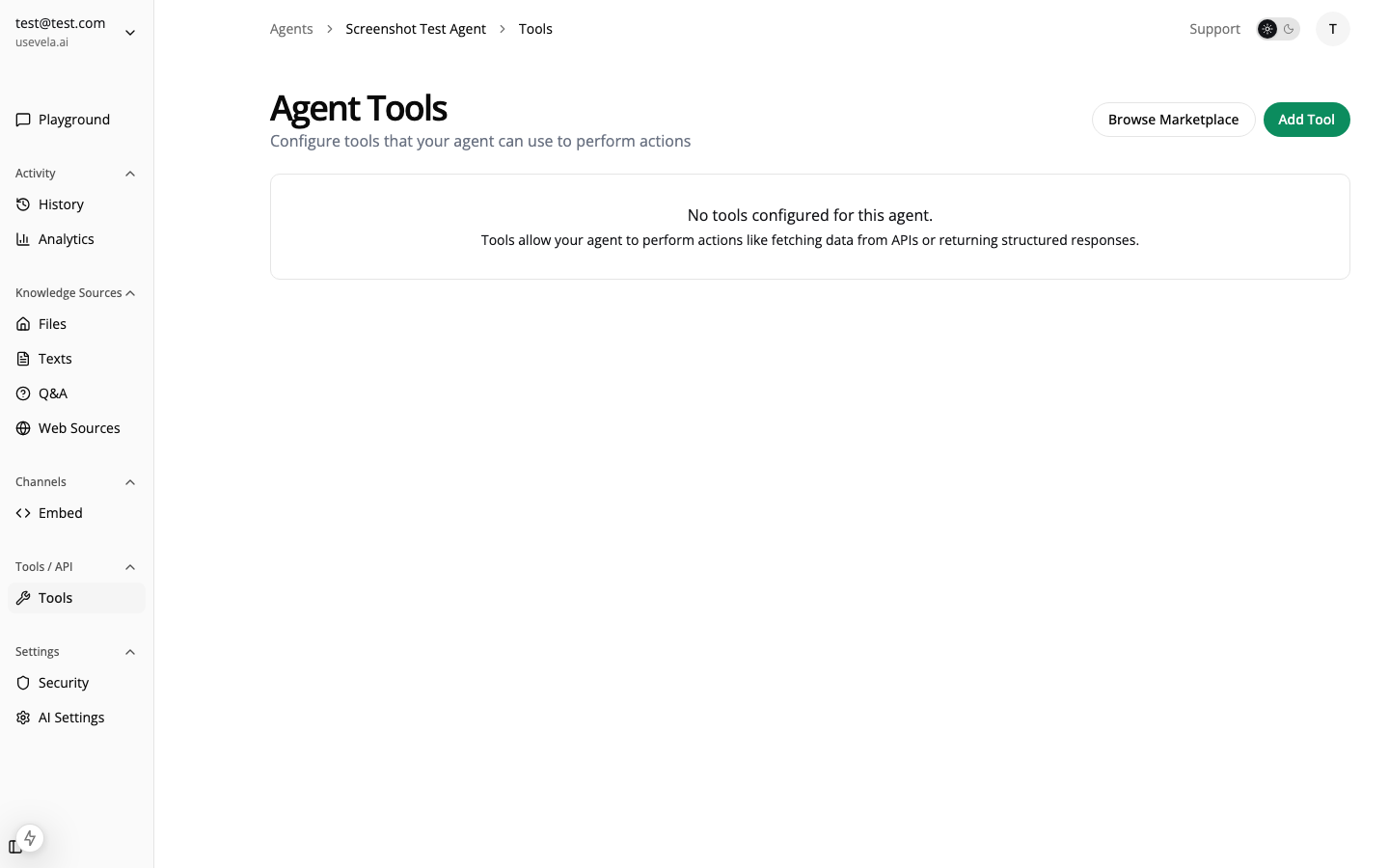
Tools extend what your AI agent can do beyond answering questions. With tools, your agent can:- Fetch data from external APIs (product info, order status, weather)
- Display rich content (product cards, carousels, tables)
- Collect information through interactive forms
- Trigger actions in your systems (create tickets, send notifications)
Tool Types
Ansa supports three types of tool execution:Creating a Tool
Navigate to Agent → Tools → Create Tool:Basic Configuration
Every tool needs:Naming Conventions
Tool names must:- Start with a letter or underscore
- Use only lowercase letters, numbers, and underscores
- Be unique within the agent
/^[a-z_][a-z0-9_]*$/
✅ search_products, get_order_status, contact_form
❌ Search Products, get-order, 123tool
Input Schema
Define what parameters the AI should provide:How the AI Uses Tools
When a user sends a message, the AI:- Analyzes the user’s request
- Decides if a tool would help answer it
- Extracts the required parameters from the conversation
- Calls the tool with those parameters
- Processes the result and responds naturally
- “Search for products when the user asks about items, prices, or availability”
- “Look up order status when user provides an order number or asks about shipping”
- “Show the contact form when user wants to reach support or has an issue you cannot resolve”
- “Product search” (too vague)
- “Use this tool” (no context)
LLM Provider Differences
Different AI providers handle tool calling differently:Native Tool Calling
These providers have built-in support for tools:Text-Based Fallback (Ollama)
Local models via Ollama don’t have native tool calling. Ansa uses a text-based fallback:- Tool definitions are injected into the system prompt
- The model is instructed to output JSON when using tools:
- Ansa parses the JSON from the response
Model Recommendations by Use Case
Tool Execution Flow
Enabling/Disabling Tools
Toggle tools on/off without deleting them:- Enabled — AI can use this tool
- Disabled — Tool is hidden from AI
- Seasonal tools (holiday promotions)
- A/B testing different tools
- Temporarily disabling broken integrations
Tool Categories
Organize your tools by purpose:Next Steps
HTTP Tools
Connect to external APIs
Form Tools
Collect user information
Display Configuration
Show rich content
Marketplace
Install pre-built tools
See Also
- HTTP Tools — API integration configuration
- Form Tools — Form fields and validation
- Display Configuration — Rich response formatting
- Submission Actions — Webhooks and notifications
- Marketplace — Pre-built tool templates